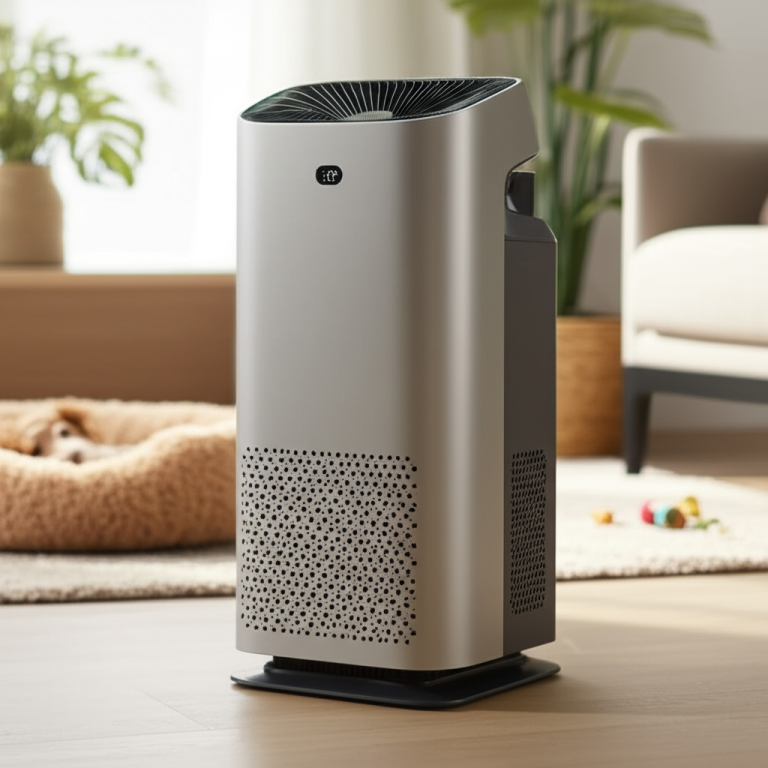
Air Purifier Light Is Red: Essential Fixes Now

When your air purifier light turns red, it signals an issue that needs immediate attention. This guide provides essential, step-by-step fixes to get your unit running efficiently again, ensuring cleaner air in your home.
The dreaded red light on your air purifier can be alarming, but don’t panic. It’s a common indicator that something needs attention, from a simple filter change to a more complex sensor issue. Understanding what this red light means is the first step to resolving the problem and restoring your home’s healthy air. We’ll walk you through the most likely causes and provide clear, actionable solutions so you can breathe easy again.
Why Is My Air Purifier Light Red? Understanding the Signal
A red light on your air purifier is a universal alert system, signaling a critical operational status. Most commonly, it indicates that a filter needs to be replaced or cleaned, or that the air quality sensor requires attention. Less frequently, it might point to a mechanical issue or a blockage in the airflow. Identifying the specific reason is key to addressing the problem effectively and ensuring your device continues to purify your air.
Common Causes for a Red Air Purifier Light
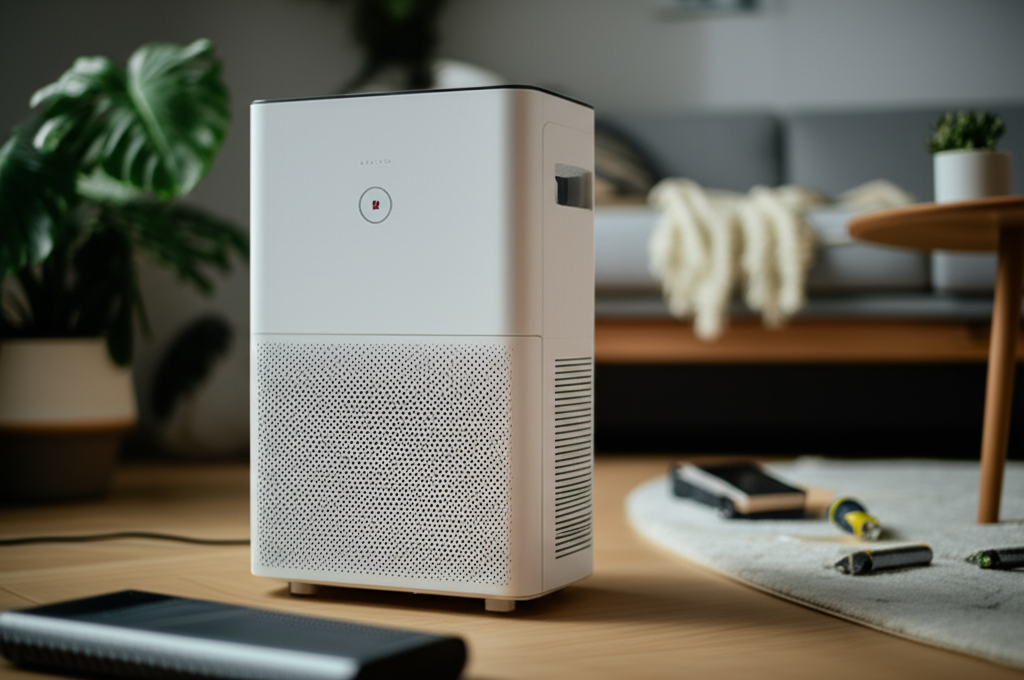
The red indicator light is designed to be a clear, unmistakable signal. Recognizing the most frequent triggers will help you quickly diagnose the situation. These are typically related to the core function of the air purifier: its filters and sensors.
Clogged or Expired Filters: This is the most frequent culprit. Filters have a limited lifespan and become saturated with pollutants, hindering airflow and purification efficiency.
Dirty Air Quality Sensor: The sensor responsible for detecting airborne particles can become covered in dust, leading to inaccurate readings and triggering the red light.
Filter Installation Error: Sometimes, a filter might not be seated correctly after replacement, causing the unit to detect a problem.
Device Malfunction: In rare cases, the red light could indicate an internal component failure.
Decoding Your Air Purifier’s Manual
Your air purifier’s manual is your ultimate guide to understanding specific error codes and indicator lights. While red lights often share common meanings across brands, each model can have unique interpretations. Consulting the manual ensures you’re addressing the precise issue your specific unit is signaling.
Before attempting any fixes, take a few minutes to locate and review your air purifier’s user manual. It will provide model-specific information on what the red light signifies and the recommended troubleshooting steps. This is crucial for avoiding unnecessary actions or potential damage to your device.
Essential First Steps: Check the Filters
The most common reason for an air purifier’s red light is its filter system. These components work tirelessly to capture pollutants, and eventually, they need attention. Addressing the filters is usually the simplest and most effective solution.
How to Inspect and Replace Air Purifier Filters
Replacing your air purifier’s filters is a routine maintenance task that directly impacts performance. Following the correct procedure ensures your unit operates optimally and prevents the red light from persisting. Always refer to your manual for specific instructions tailored to your model.
1. Power Down: Always unplug your air purifier before performing any maintenance. Safety first!
2. Locate Filter Compartment: This is typically on the back or side of the unit. Consult your manual if unsure.
3. Open Compartment: This usually involves releasing latches or unscrewing a panel.
4. Remove Old Filters: Carefully slide out the existing filters. Note their orientation for correct installation of new ones.
5. Install New Filters: Insert the new, clean filters, ensuring they are properly seated according to the manual’s diagram.
6. Close Compartment: Securely reattach the panel or close the latches.
7. Power On & Reset: Plug the unit back in and turn it on. You may need to reset the filter indicator light (see section below).
Understanding Filter Types and Lifespans
Air purifiers often use a multi-stage filtration system, typically including a pre-filter, a HEPA filter, and an activated carbon filter. Each type has a different role and lifespan, and their saturation can trigger the red light. Knowing these differences helps in proactive maintenance.
| Filter Type | Function | Typical Lifespan | Indicator for Red Light |
| :————— | :——————————————— | :————— | :——————————————————- |
| Pre-Filter | Captures large particles (hair, dust bunnies) | 1-3 months | Less common trigger for red light, but can restrict airflow. |
| HEPA Filter | Captures 99.97% of particles 0.3 microns in size | 6-12 months | Primary trigger for red light when saturated. |
| Activated Carbon | Absorbs odors and VOCs (volatile organic compounds) | 6-12 months | Secondary trigger; can become less effective over time. |
Resetting the Filter Indicator Light
After replacing your filters, the red light might continue to shine because the unit’s internal timer needs to be reset. This process varies significantly by model. Your manual is the definitive source for the exact reset procedure for your air purifier.
Common reset methods include pressing and holding a specific button (often the power or filter reset button) for several seconds. Some models may require a sequence of button presses. Consult your manual for the precise steps to clear the filter indicator.
The Air Quality Sensor: A Common Culprit
Beyond filters, the air quality sensor is another frequent cause of a persistent red light. This sensor is the “eyes” of your air purifier, constantly monitoring the air for pollutants. If it’s dirty or malfunctioning, it can send false alarms.
Locating and Cleaning the Air Quality Sensor
The air quality sensor is usually a small, discreet opening on the unit, often located near the air intake. Dust and debris can accumulate here, obstructing the sensor’s view and triggering the red light. Gentle cleaning can often resolve this issue.
1. Identify Sensor Location: Refer to your manual to pinpoint the exact location of the air quality sensor.
2. Power Off and Unplug: Ensure the unit is completely disconnected from power.
3. Use a Soft Brush or Cotton Swab: Gently brush away any visible dust or debris from the sensor opening. A can of compressed air can also be used cautiously.
4. Avoid Harsh Chemicals: Do not use cleaning sprays or liquids directly on or near the sensor.
5. Allow to Dry: If any moisture was inadvertently introduced, allow ample time for it to dry before powering on.
Signs of a Dirty Sensor
A dirty sensor might not just trigger a red light; it can also lead to your air purifier running at a higher speed than necessary, even when air quality is good. This is because the sensor is misinterpreting the dust on its lens as actual airborne pollutants. A quick clean can restore accurate readings.
When to Consider Sensor Replacement
If cleaning the sensor doesn’t resolve the red light issue, the sensor itself might be faulty. This is less common than filter issues but can occur, especially in older units. Sensor replacement typically requires professional service or a DIY repair if you are comfortable with electronics.
Checking Airflow and Obstructions
Proper airflow is critical for your air purifier to function effectively. If the unit is struggling to draw air in or expel purified air, it can trigger various warning lights, including the red one. This often points to simple, easily fixable obstructions.
Ensure Proper Placement
The location of your air purifier significantly impacts its ability to circulate air. Placing it too close to walls, furniture, or curtains can restrict airflow, causing the unit to overheat or work inefficiently. Aim for at least a foot of clearance on all sides.
Avoid Corners: Don’t tuck your air purifier away in a tight corner.
Keep Away from Heat Sources: Avoid placing it near radiators or direct sunlight.
Maintain Open Space: Ensure there’s ample room around the unit for air intake and exhaust.
Inspect for Blockages
Sometimes, foreign objects can find their way into the air intake or exhaust vents, blocking airflow. This is especially common if you have pets or young children. A quick visual inspection can often reveal and resolve such blockages.
Carefully examine the vents for any obstructions like toys, pet fur clumps, or other debris. Gently remove any blockages you find. Ensure all external components are securely in place after clearing any obstructions.
Resetting Your Air Purifier (Beyond Filter Indicators)
While filter reset is common, some air purifiers have a general reset function that can clear temporary glitches or error codes. This is a good troubleshooting step if the red light persists after checking filters and sensors. The procedure is model-specific.
General System Reset Procedures
Consulting your manual is paramount for performing a general system reset. Some units might have a dedicated reset button, while others require unplugging the unit for a specific duration (e.g., 30 minutes or overnight) to clear internal memory. Always follow the manufacturer’s instructions precisely.
When a Reset Might Help
A system reset can sometimes resolve transient electronic issues or software glitches that might be causing the red light to illuminate erroneously. It’s a non-invasive step that can often fix the problem without needing to replace parts. This is a good intermediate step before considering more complex solutions.
Troubleshooting Specific Brands and Models
While general principles apply, specific air purifier brands and models might have unique reasons for a red light. Knowing your model is key to finding precise solutions. Popular brands like Coway, Levoit, Blueair, and Dyson have their own nuances.
Common Issues for Popular Brands
Coway: Often indicates a filter replacement or a need to clean the sensor. The reset procedure for filter lights is usually a press-and-hold function.
Levoit: Red lights frequently signal filter replacement. Levoit models often have a dedicated filter reset button that needs to be pressed after changing filters.
Blueair: Can indicate filter replacement or a potential issue with the particle sensing technology. Some models might have a specific reset sequence for their sensors.
Dyson: Dyson purifiers often display specific error codes on their screens or apps, which can include a red light for filter issues or other operational problems.
Always refer to the specific user manual for your Dyson air purifier to interpret any red light or error code accurately. Their app integration also provides detailed troubleshooting guidance.
Manufacturer Support and Warranty
If you’ve exhausted all troubleshooting steps and the red light remains, it’s time to contact the manufacturer. Your air purifier likely comes with a warranty, and they can provide further assistance, arrange for repairs, or guide you through replacement if necessary.
When to Call a Professional or Consider Replacement
If you’ve diligently followed all the steps above, and the red light on your air purifier still won’t turn off, it might be time to consider professional help or even a replacement. Persistent red lights can indicate deeper mechanical or electronic problems that are beyond simple DIY fixes.
Signs of a More Serious Issue
Unusual Noises: Grinding, clicking, or excessively loud fan noise accompanying the red light.
Burning Smell: A distinct smell of burning plastic or electronics.
Unit Not Powering On: The red light is on, but the unit is otherwise unresponsive.
* Repeated Issues: The red light keeps returning shortly after you’ve addressed it.
These symptoms suggest a component failure within the air purifier itself. Attempting complex repairs without expertise could void your warranty or cause further damage.
The Cost-Benefit of Repair vs. Replacement
Older air purifiers, especially those purchased several years ago, might be more cost-effective to replace than to repair. Newer models often offer improved energy efficiency, advanced features, and better filtration technology. Weigh the cost of a professional repair against the price of a new, potentially more capable, unit.
Consider the lifespan of your current unit. If it’s nearing the end of its typical operational life, investing in a new air purifier might be the more prudent long-term decision.
Frequently Asked Questions (FAQ)
Q1: My air purifier light is red, but I just replaced the filter. What should I do?
A1: Ensure you have reset the filter indicator light according to your model’s instructions. Sometimes, the filter may not be seated correctly, so double-check its placement. If the light persists, try cleaning the air quality sensor.
Q2: Can a red light mean my air purifier is broken?
A2: While a red light usually indicates a maintenance need like a filter change or sensor cleaning, it can sometimes signal a more serious internal malfunction. If simple troubleshooting doesn’t resolve it, a repair or replacement might be necessary.
Q3: How often should I clean the air quality sensor?
A3: It’s a good practice to clean the air quality sensor every 1-3 months, or whenever you notice a persistent red light that isn’t related to the filter. This helps ensure accurate readings and optimal performance.
Q4: What’s the difference between a red light and a blue or green light on my air purifier?
A4: Typically, red lights indicate a warning or maintenance alert (e.g., filter change needed). Blue or green lights often signify normal operation, good air quality, or that the unit is functioning as expected. Always check your manual for specific color meanings.
Q5: My air purifier has multiple red lights. What does that mean?
A5: Different red lights can indicate different issues. One might be for filter replacement, while another could signify a problem with the fan motor or a complete system error. Refer to your air purifier’s manual to decode the specific combination of lights.
Q6: Is it safe to run my air purifier if the red light is on?
A6: It is generally not recommended to run your air purifier with a persistent red light. If it’s due to a saturated filter, it will reduce efficiency and potentially strain the motor. If it’s a more serious error, running it could cause further damage.
Conclusion: Restoring Your Air Purifier’s Health
Seeing a red light on your air purifier doesn’t have to be a cause for significant worry. Most of the time, it’s a straightforward signal that your device needs a simple maintenance task, primarily filter replacement or sensor cleaning. By understanding these common indicators and following the troubleshooting steps outlined in this guide, you can effectively resolve the issue and get your air purifier back to its optimal performance. Remember to always consult your specific model’s manual for the most accurate instructions. Ensuring your air purifier is well-maintained means you’re consistently enjoying cleaner, healthier air in your home.