
Can You Use Levoit Air Purifier Without Wifi? Essential Guide

Yes, you can absolutely use your Levoit air purifier without Wi-Fi. Most Levoit models function perfectly fine manually, allowing you to control settings directly on the unit. This guide will walk you through how to operate your Levoit air purifier without needing a Wi-Fi connection, ensuring clean air regardless of your network status.
Can You Use Levoit Air Purifier Without Wi-Fi? Your Essential Guide
Many of us invest in air purifiers for a healthier home environment, and Levoit is a popular choice for its effectiveness and affordability. A common question that arises is whether these smart devices require a constant Wi-Fi connection to operate. The good news is that you can use your Levoit air purifier without Wi-Fi, and this guide will show you exactly how to do it. We’ll cover manual operation, understanding your unit’s capabilities, and troubleshooting common concerns, ensuring you get the most out of your Levoit, even offline.
Understanding Your Levoit Air Purifier’s Core Functionality
Levoit air purifiers are designed with user convenience in mind, meaning their primary function—cleaning your air—doesn’t depend on an internet connection. The smart features, like app control and scheduling, are enhancements, not necessities. Your Levoit unit will continue to filter pollutants, allergens, and odors effectively as long as it’s powered on and has a clean filter.
This core functionality is achieved through the physical components of the purifier itself, such as the fan, motor, and filter system. These work independently of any network connectivity. Therefore, even without Wi-Fi, your Levoit is still a powerful tool for improving your indoor air quality.
Manual Controls: Your Offline Command Center
Every Levoit air purifier comes equipped with a control panel directly on the unit. This panel serves as your primary interface for operating the device when Wi-Fi is unavailable or not configured. You can typically adjust fan speeds, set timers, and turn the unit on or off using these physical buttons.
Familiarizing yourself with these manual controls is the first step to using your Levoit purifier offline. Most models feature intuitive icons and simple button layouts, making them easy to navigate. This ensures immediate access to clean air whenever you need it.
How to Operate Your Levoit Air Purifier Manually
Operating your Levoit air purifier without Wi-Fi is straightforward. Simply plug the unit into a power outlet. Then, use the buttons on the control panel to select your desired settings.
You can usually cycle through different fan speeds, from low for quiet operation to high for maximum purification. Many models also allow you to set a timer, so the purifier will automatically shut off after a specified period. Turning the unit on and off is as simple as pressing the power button.
Key Manual Controls Explained
Let’s break down the common manual controls you’ll find on most Levoit air purifiers. Understanding these will empower you to manage your device effectively without relying on the VeSync app.
Power Button: This is your on/off switch. A single press typically turns the unit on, and another press turns it off.
Fan Speed Settings: Usually represented by fan icons, these buttons allow you to choose between low, medium, and high fan speeds. Some models may have an auto mode that adjusts speed based on air quality.
Timer Function: Look for a clock or timer icon. Pressing this button typically cycles through preset durations (e.g., 2, 4, 8 hours) after which the purifier will automatically switch off.
Sleep Mode/Display Off: Some purifiers have a button to dim or turn off the display lights, ideal for nighttime use to avoid disruptions.
Filter Reset Indicator: After replacing the filter, you’ll usually need to press and hold a specific button (often the timer or fan speed button) for a few seconds to reset the filter life indicator.
These controls ensure that the core function of air purification is always accessible. You can always achieve cleaner air, even if your smart home setup is experiencing connectivity issues.
What Features Are Lost Without Wi-Fi?
While your Levoit air purifier will function perfectly without Wi-Fi, you will miss out on certain smart features. These primarily relate to remote control and advanced monitoring capabilities offered through the VeSync app.
The most significant loss is the ability to control your purifier from outside your home or via voice commands (if compatible with smart assistants). You also won’t receive real-time air quality reports or historical data. Scheduling specific purification times can also only be done through the app.
Levoit Models and Wi-Fi Dependency: A Closer Look
It’s important to note that not all Levoit air purifiers are smart or Wi-Fi enabled. Many of their models are designed for purely manual operation. If you have a model without any mention of Wi-Fi or app connectivity, then it was never intended to connect to the internet.
For models that do* have Wi-Fi capabilities, the manual controls are always present as a fallback. This means you can choose to use them with or without connecting to your home network. This versatility is a key selling point for many users who appreciate the option.
For example, the popular Levoit Core 300S is a smart model, but it can be fully operated using the buttons on its top panel. Similarly, the Levoit Vital 100S offers manual controls alongside its smart features. Even if you decide not to set up Wi-Fi, the essential air purification functions remain accessible.
Troubleshooting Common “No Wi-Fi” Scenarios
If you’re trying to use your Levoit air purifier without Wi-Fi and encountering issues, it’s usually related to the manual controls or power supply. Ensure the unit is properly plugged into a working outlet. Check that the filter is correctly installed, as some models have safety mechanisms that prevent operation if the filter isn’t seated properly.
If the unit won’t turn on, try a different power outlet to rule out an issue with the original one. If buttons are unresponsive, a temporary power cycle (unplugging the unit for a minute and plugging it back in) can sometimes resolve minor glitches.
Benefits of Using Levoit Air Purifier Without Wi-Fi
There are several advantages to using your Levoit air purifier without relying on Wi-Fi. Firstly, it simplifies operation, especially for those who prefer not to deal with app setups or connectivity issues. It’s an “out-of-the-box” experience that guarantees immediate functionality.
Secondly, it enhances privacy, as no data about your usage patterns is collected or transmitted. For users with unreliable internet or those who simply want a straightforward appliance, this offers peace of mind. You get effective air purification without any digital complexities.
Maintaining Your Levoit Air Purifier for Optimal Performance
Regardless of whether you use Wi-Fi, regular maintenance is crucial for your Levoit air purifier’s performance. This primarily involves cleaning the pre-filter and replacing the main HEPA filter according to the manufacturer’s recommendations.
The pre-filter, often a mesh screen, can typically be vacuumed or rinsed. The HEPA filter needs replacement every 6-8 months, depending on usage and air quality. Remember to reset the filter indicator after replacement, usually by pressing and holding a specific button on the control panel.
Conclusion: Clean Air is Always Within Reach
In conclusion, the answer to “can you use Levoit air purifier without Wi-Fi?” is a resounding yes. Your Levoit air purifier is designed to be a reliable appliance that cleans your air effectively through its manual controls. While smart features offer added convenience, they are never a prerequisite for operation.
You can confidently use your Levoit purifier by simply plugging it in and utilizing the intuitive buttons on the unit. Enjoy the peace of mind that comes with cleaner air, whether you’re connected to your home network or not. Your health and comfort remain the top priority, and Levoit ensures that is always achievable.
Frequently Asked Questions
Can I control my Levoit air purifier with my phone if it’s not connected to Wi-Fi?
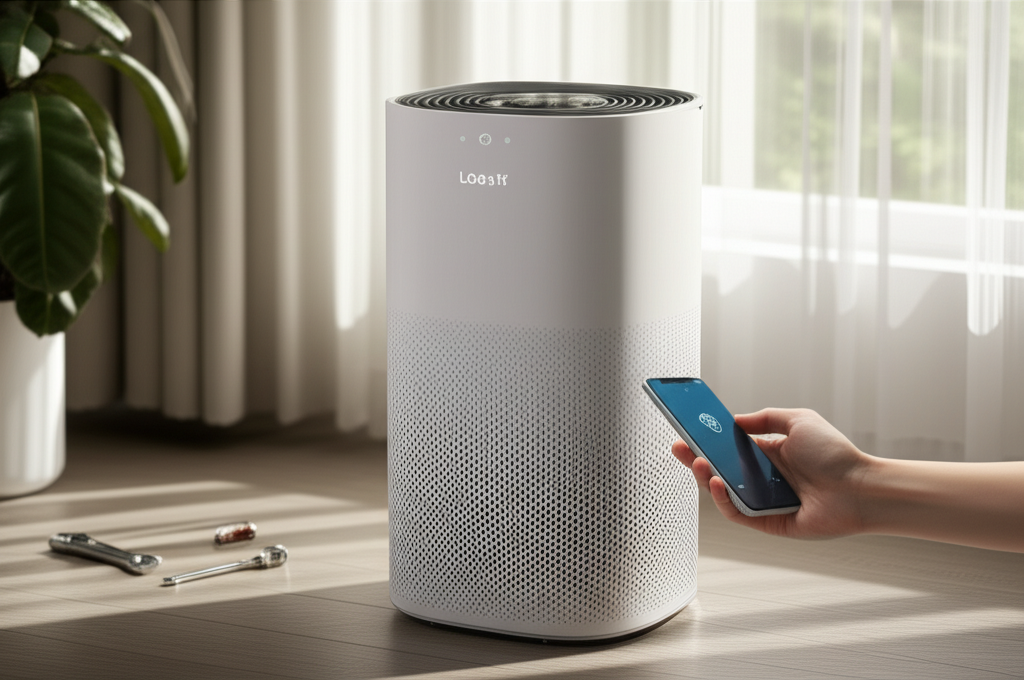
No, phone control and app features like remote operation, scheduling, and real-time air quality monitoring require your Levoit air purifier to be connected to your home Wi-Fi network and paired with the VeSync app.
Do all Levoit air purifiers have manual controls?
Yes, all Levoit air purifiers, whether they are smart models or not, are equipped with manual controls on the unit itself. This ensures you can always operate the device directly.
How do I turn off the Wi-Fi on my Levoit air purifier if I don’t want to use it?
You don’t typically “turn off” the Wi-Fi in a way that disables the functionality. Instead, you simply choose not to connect the purifier to your Wi-Fi network during setup or skip the Wi-Fi setup process altogether. The device will then operate solely via its manual controls.
Will my Levoit air purifier still detect air quality without Wi-Fi?
Your Levoit air purifier will still detect air quality and adjust fan speed automatically if it has an “Auto Mode” feature, which is controlled by the unit’s internal sensors. However, you won’t be able to see the specific air quality readings or history without a Wi-Fi connection and the VeSync app.
How do I reset the filter indicator without Wi-Fi?
To reset the filter indicator without Wi-Fi, locate the filter reset button on your Levoit air purifier’s control panel (often indicated by a filter icon or a timer icon). Press and hold this button for 3-5 seconds until the indicator light turns off or the unit beeps. Consult your specific model’s manual for exact instructions.
Is it safe to leave my Levoit air purifier plugged in when not in use?
Yes, it is generally safe to leave your Levoit air purifier plugged in when not in use. They are designed with safety features and consume minimal power in standby mode. However, for extended periods of non-use or during electrical storms, unplugging the unit is a good practice.
What if my Levoit air purifier is stuck in Wi-Fi setup mode?
If your Levoit air purifier is stuck in Wi-Fi setup mode and you wish to use it manually, you can usually exit this mode by pressing and holding the power button for a few seconds until the unit resets or restarts. Alternatively, unplugging the device for a minute and plugging it back in can often resolve such temporary software glitches.
