Bissell Vacuum Cleaner Repair: Proven Fixes, Effortless Results

Struggling with a broken Bissell vacuum cleaner? This guide offers proven fixes for common Bissell vacuum cleaner repair issues. Get your machine running smoothly again with easy, step-by-step solutions, saving you time and money.
Your Bissell vacuum cleaner is a trusty sidekick for keeping your home clean. But like any hardworking appliance, it can sometimes sputter, lose suction, or refuse to turn on. Don’t worry! Most Bissell vacuum cleaner repair jobs are simpler than you think. This guide will walk you through common problems and their fixes. You’ll learn how to troubleshoot effectively and get your Bissell back to its cleaning best.
Why Bissell Vacuum Cleaner Repair is Often Easier Than You Think
Many people think appliance repair means calling a professional and spending a lot. However, for many Bissell vacuum cleaner repair issues, this isn’t true. Most problems stem from simple causes like clogs or filter issues. Understanding these common culprits can empower you to fix them yourself. This saves you money and gets your vacuum working quickly.
Common Bissell Vacuum Cleaner Problems and Their Fixes
Let’s dive into the most frequent hiccups your Bissell vacuum might encounter. We’ll cover what causes them and how to fix them. This helps you tackle Bissell vacuum cleaner repair with confidence.
Loss of Suction: The Most Common Complaint
A Bissell vacuum cleaner losing suction is frustrating. It means dust and dirt are left behind. This usually happens for a few simple reasons.
Clogged Brush Roll or Hose: Pet hair, string, and debris can wrap around the brush roll or get stuck in the hose. This blocks airflow. Carefully inspect the brush roll and remove any tangled items. For the hose, try disconnecting it and looking through for blockages.
Full Dirt Bin or Tank: If the dirt bin is full, the vacuum can’t pick up more. Empty it regularly. For bagless models, ensure the tank is properly seated.
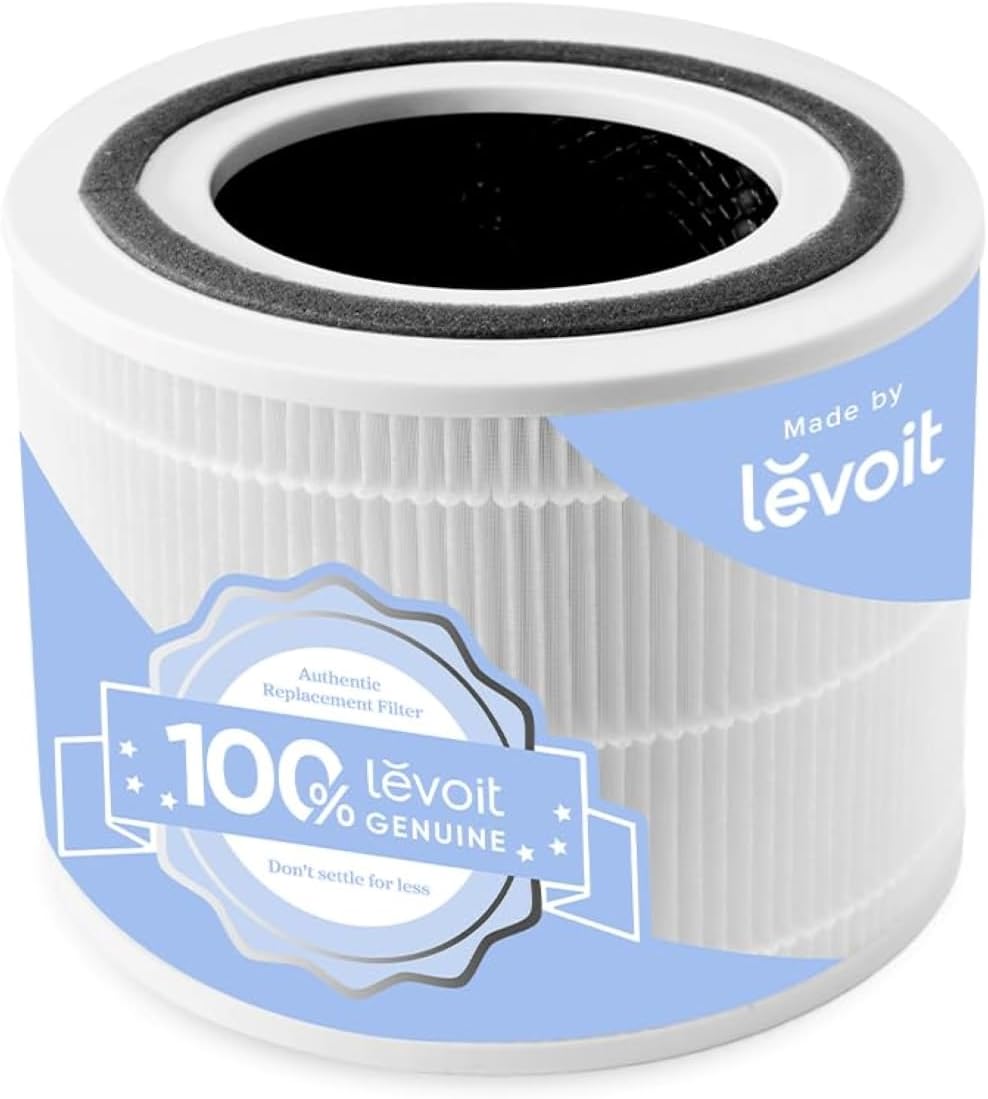
Dirty or Clogged Filters: Filters trap fine dust. When they get clogged, air can’t pass through easily. Check your Bissell manual for filter locations. Wash or replace them as recommended. This is a crucial step in Bissell vacuum cleaner repair.
Loose or Disconnected Hoses: Sometimes, a hose might come loose during use. This creates a leak in suction. Reconnect any loose hoses securely.
A Bissell vacuum cleaner losing suction is often due to a simple clog or a full dirt bin. Regular maintenance like emptying the bin and cleaning filters can prevent this common issue.
Vacuum Won’t Turn On: Troubleshooting Power Issues
If your Bissell vacuum cleaner won’t power on, it can be alarming. Before calling for repair, check these basic power connections.
Check the Power Cord and Outlet: Ensure the power cord is plugged in securely at both the vacuum and the wall. Try a different outlet to rule out an outlet issue.
Inspect the Power Cord for Damage: Look for any cuts, frays, or damage to the power cord. If damaged, do not use the vacuum and contact Bissell for a replacement cord.
Thermal Cut-Off Switch: Many Bissell vacuums have a thermal cut-off. This protects the motor from overheating. If it trips, unplug the vacuum and let it cool for about 30 minutes. Then, try turning it on again.
Safety Features: Some models have safety switches. Ensure the dirt bin or tank is correctly in place. These features prevent operation if a part isn’t secured.
If your Bissell vacuum cleaner won’t turn on, check the power cord, outlet, and thermal cut-off. Ensure all parts are securely attached before assuming a major repair is needed.
Overheating Motor: Keeping Your Bissell Cool
An overheating motor can shut down your vacuum or cause damage. This usually happens when airflow is restricted.
Blocked Airflow: As mentioned, clogged filters, hoses, or a full dirt bin restrict air. This makes the motor work harder and overheat. Always ensure clear pathways for air.
Continuous Use: Running your vacuum for very long periods without breaks can also cause overheating. Give your Bissell a rest if you’re cleaning a large area.
Motor Issues: In rare cases, the motor itself might have a problem. If overheating persists after checking for blockages and giving it breaks, it might need professional attention.
Preventing your Bissell vacuum cleaner motor from overheating involves ensuring good airflow and avoiding prolonged, continuous operation. A clean machine works smarter, not harder.
Strange Noises: Identifying the Source of the Sound
Unusual noises from your Bissell vacuum can signal a problem. Pinpointing the sound helps with the fix.
Grinding or Scraping: This often means something is stuck in the brush roll. Turn off the vacuum and carefully check the brush roll for debris.
Whining or High-Pitched Sound: This could indicate a blockage in the hose or a problem with the motor. Check for obstructions first. If the noise continues after clearing blockages, it might be a motor issue.
Loud Humming: This might mean the motor is straining due to a clog or a faulty belt. Check for clogs and inspect the belt if your model has one.
Strange noises during Bissell vacuum cleaner repair often point to brush roll obstructions or motor strain. A quick inspection can usually reveal the source of the sound.
Bissell Vacuum Cleaner Repair: Step-by-Step DIY Fixes
Here are some common DIY fixes you can try. These cover a range of issues you might face.
Cleaning and Replacing Filters
Filters are vital for your vacuum’s performance and your home’s air quality. They need regular attention.
1. Locate the Filters: Consult your Bissell manual to find all filter locations. This might include pre-motor filters, post-motor filters, or foam filters.
2. Remove Filters: Carefully take out the filters. Note their orientation for easy reinstallation.
3. Clean Washable Filters: Many Bissell filters are washable. Rinse them under cold water until the water runs clear. Let them air dry completely before putting them back.
4. Replace Non-Washable Filters: If a filter is not washable, or if it looks worn out, replace it with a new, genuine Bissell filter. You can usually buy these directly from Bissell or authorized dealers.
5. Reassemble: Put the clean or new filters back into your vacuum. Ensure they are seated correctly.
Regularly cleaning or replacing filters is a fundamental part of Bissell vacuum cleaner repair. It ensures optimal suction and cleaner air.
Clearing Brush Roll Obstructions
A tangled brush roll won’t spin effectively, reducing cleaning power.
1. Unplug the Vacuum: Always unplug your vacuum before working on the brush roll.
2. Access the Brush Roll: This might involve removing a bottom plate or a specific cover. Refer to your manual.
3. Cut Away Debris: Use scissors or a seam ripper to carefully cut away tangled hair, string, and threads. Be gentle to avoid damaging the bristles.
4. Inspect for Damage: Check the brush roll and its housing for any cracks or damage.
5. Reassemble: Once clear, put the cover or plate back on.
Clearing brush roll obstructions is a common and effective Bissell vacuum cleaner repair. It restores your vacuum’s ability to pick up dirt and debris from carpets.
Fixing Hose Blockages
A blocked hose dramatically reduces suction.
1. Disconnect the Hose: Carefully detach the hose from both the vacuum body and the wand.
2. Visually Inspect: Look through the hose for any obvious blockages.
3. Use a Long, Flexible Object: A broom handle or a similar item can help dislodge obstructions. Push gently from one end.
4. Flush with Water (if applicable): Some hoses can be rinsed with water. Check your manual. Ensure the hose is completely dry before reconnecting.
5. Reconnect Securely: Make sure the hose snaps or locks firmly into place.
Clearing hose blockages is a straightforward Bissell vacuum cleaner repair that can instantly restore your machine’s powerful suction.
When to Call a Professional for Bissell Vacuum Cleaner Repair
While many issues are DIY-friendly, some problems require expert attention. Knowing when to call for help is important.
Complex Motor Problems
If you suspect the motor is failing, it’s best to seek professional help. Signs include persistent overheating, strange electrical smells, or the motor making grinding noises even after clearing blockages.
Damaged Internal Components
If you notice cracked plastic parts, loose wiring, or other internal damage, do not attempt to fix it yourself. These issues can be dangerous and require specialized knowledge and tools.
Persistent Issues After DIY Attempts
If you’ve tried all the common DIY fixes for Bissell vacuum cleaner repair and the problem persists, it’s time to call a professional. They can diagnose more complex issues.
Warranty Considerations
If your Bissell vacuum is still under warranty, attempting repairs yourself might void it. Always check your warranty terms. For warranty repairs, contact Bissell directly or an authorized service center. You can find information on Bissell’s official website for service and support.
For complex motor issues, damaged internal parts, or persistent problems after DIY attempts, professional Bissell vacuum cleaner repair is recommended. Always check your warranty first.
Maintaining Your Bissell for Longevity
Preventing problems is always better than fixing them. Regular maintenance keeps your Bissell vacuum cleaner in top shape.
Regular Cleaning Schedule
Empty the Dirt Bin: After every use, or when it reaches the max line.
Clean Filters: Check and clean filters weekly or bi-weekly, depending on usage.
Inspect Brush Roll: Check for tangles after each major cleaning session.
Proper Storage
Store your vacuum in a dry place, away from extreme temperatures. Ensure cords are wrapped neatly to avoid damage.
Using Your Vacuum Correctly
Avoid vacuuming up large objects, liquids, or very fine dust like drywall dust, as these can clog or damage the machine. Always use the right setting for your floor type.
Consistent maintenance is key to preventing Bissell vacuum cleaner repair needs. A little effort goes a long way in extending your vacuum’s life.
Understanding Your Bissell Model
Bissell offers a wide range of vacuum cleaners, from uprights and canisters to stick vacuums and cordless models. Each model has specific maintenance needs.
Uprights: Often have accessible brush rolls and washable filters.
Canister Vacuums: May have different hose connections and bag/bagless systems.
Cordless Vacuums: Require battery care and regular emptying of smaller bins.
Always refer to your specific model’s user manual. It’s the best resource for targeted Bissell vacuum cleaner repair and maintenance advice. You can usually find manuals on the Bissell website by searching for your model number.
Knowing your specific Bissell vacuum cleaner model helps you understand its unique maintenance and repair requirements. Always consult your user manual for tailored advice.
Essential Tools for Bissell Vacuum Cleaner Repair
You don’t need a professional workshop for most Bissell vacuum cleaner repair tasks. A few basic tools will suffice.
Screwdriver Set: For removing covers or access panels.
Scissors or Seam Ripper: For cutting away tangled debris from the brush roll.
Gloves: To keep your hands clean.
Cleaning Cloths: For wiping down parts.
Small Brush or Toothbrush: For cleaning filters or small crevices.
Owner’s Manual: Your most important tool!
Basic household tools like screwdrivers and scissors are usually all you need for most Bissell vacuum cleaner repair jobs. Your owner’s manual is also essential.
Bissell Vacuum Cleaner Repair: Common FAQs
Here are answers to frequently asked questions about fixing Bissell vacuums.
Q1: How often should I clean my Bissell vacuum filters?
A: It’s recommended to clean washable filters every 1-2 weeks and replace non-washable filters every 6-12 months, or sooner if performance declines. Check your manual for specifics.
Q2: My Bissell vacuum smells bad. What’s wrong?
A: A bad smell usually comes from a full dirt bin, dirty filters, or mold/mildew buildup. Empty the bin, wash/replace filters, and clean the hose and any accessible parts.
Q3: Can I use my Bissell vacuum on wet surfaces?
A: Most Bissell vacuums are designed for dry debris only. Using them on wet surfaces can damage the motor and is unsafe. Always check your model’s specifications.
Q4: How do I fix a broken belt on my Bissell vacuum?
A: If your vacuum has a belt-driven brush roll and it’s not spinning, the belt might be broken or stretched. You’ll need to access the brush roll, remove the old belt, and install a new one. Refer to your manual for specific instructions.
Q5: Is it worth repairing an old Bissell vacuum?
A: For simple fixes like clogs or filter replacements, it’s almost always worth it. If the motor is failing or there’s significant damage, it might be more cost-effective to replace it, especially if it’s an older model.
Q6: Where can I find replacement parts for my Bissell vacuum?
A: You can find genuine Bissell replacement parts on the official Bissell website. Authorized appliance parts retailers also carry them.
These FAQs cover common concerns about Bissell vacuum cleaner repair, offering quick solutions for everyday problems.
Conclusion: Keeping Your Bissell Vacuum Cleaner Running Strong
Dealing with a malfunctioning Bissell vacuum cleaner doesn’t have to be a headache. Many common issues, from loss of suction to power problems, can be resolved with simple DIY Bissell vacuum cleaner repair steps. By understanding your vacuum, performing regular maintenance, and knowing when to seek professional help, you can ensure your Bissell continues to be an effective tool for a clean and healthy home. Keep your machine clean, check those filters, and clear out any clogs to enjoy effortless cleaning for years to come.
If you found this guide helpful, consider subscribing to HomeHygia for more expert tips on keeping your home and appliances in top condition!